
Most data science projects start with a simple notebook—a spark of curiosity, some exploration, and a handful of promising results. But what happens when that experiment needs to grow up and go into production?
This talk follows the story of a single machine learning exploration that matures into a full-fledged ETL pipeline. We’ll walk through the practical steps and real-world challenges that come up when moving from a Jupyter notebook to something robust enough for daily use.
- Set clear objectives and document the process from the beginning
- Break messy notebook logic into modular, reusable components
- Choose the right tools (Papermill, nbconvert, shell scripts) based on your workflow—not just the hype
- Track environments and dependencies to make sure your project runs tomorrow the way it did today
- Handle data integrity, schema changes, and even evolving labels as your datasets shift over time
- And as a bonus: bring your results to life with interactive visualizations using tools like PyScript, Voila, and Panel + HoloViz
Dawn Wages
Bio c.f. slides below
Outline
About Dawn Wages
Bio!

QR Ad for for Conda podcasts
QR Ad for for Python Packaging survey
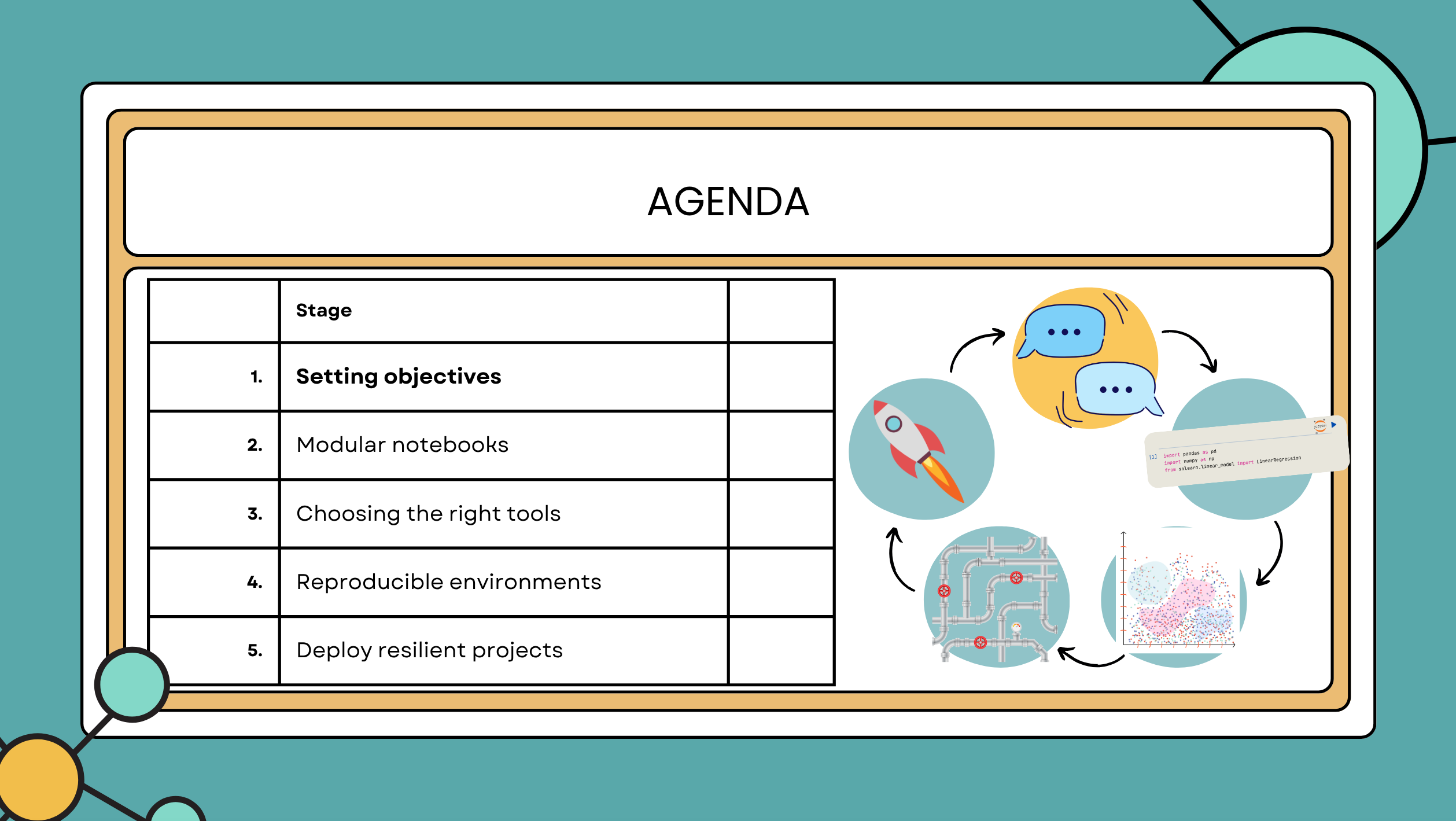
- (3 mins) Intro
- I’ve been supporting various groups in their developer experience since 2020 after being a freelance Python consultant. I’ve worked on many many dozens of projects, unblocking users picking the right tools for the task at hand.
- It works on my machine
- What we’re building today: ML pipeline ➰ with 🌊RAPIDS \to Snowflake ❄️
- We’re going to watch a real project grow up
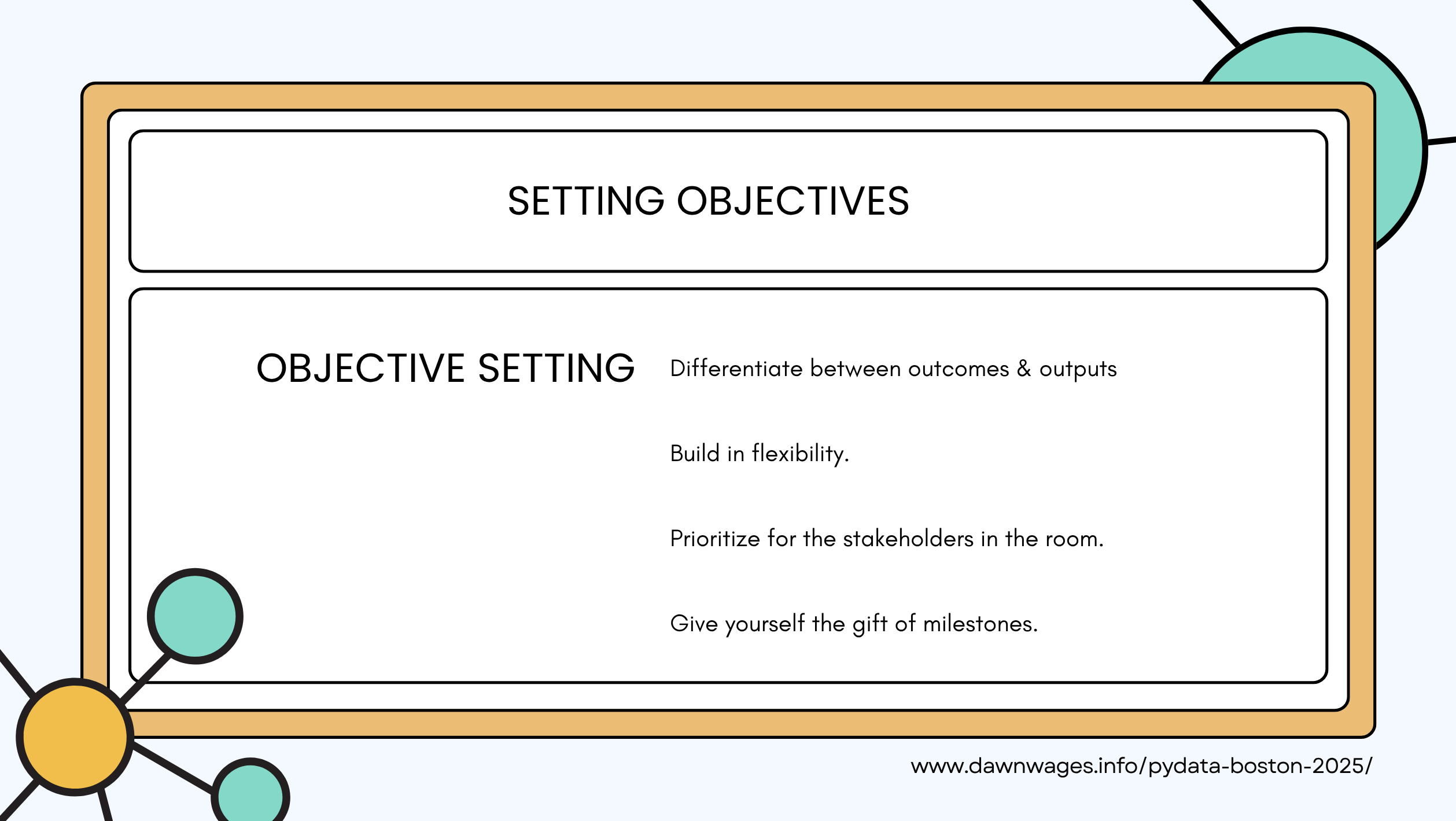
- Before you start coding you should have a team discussion to set objectives.
- Specify the problem domain and the project’s scope
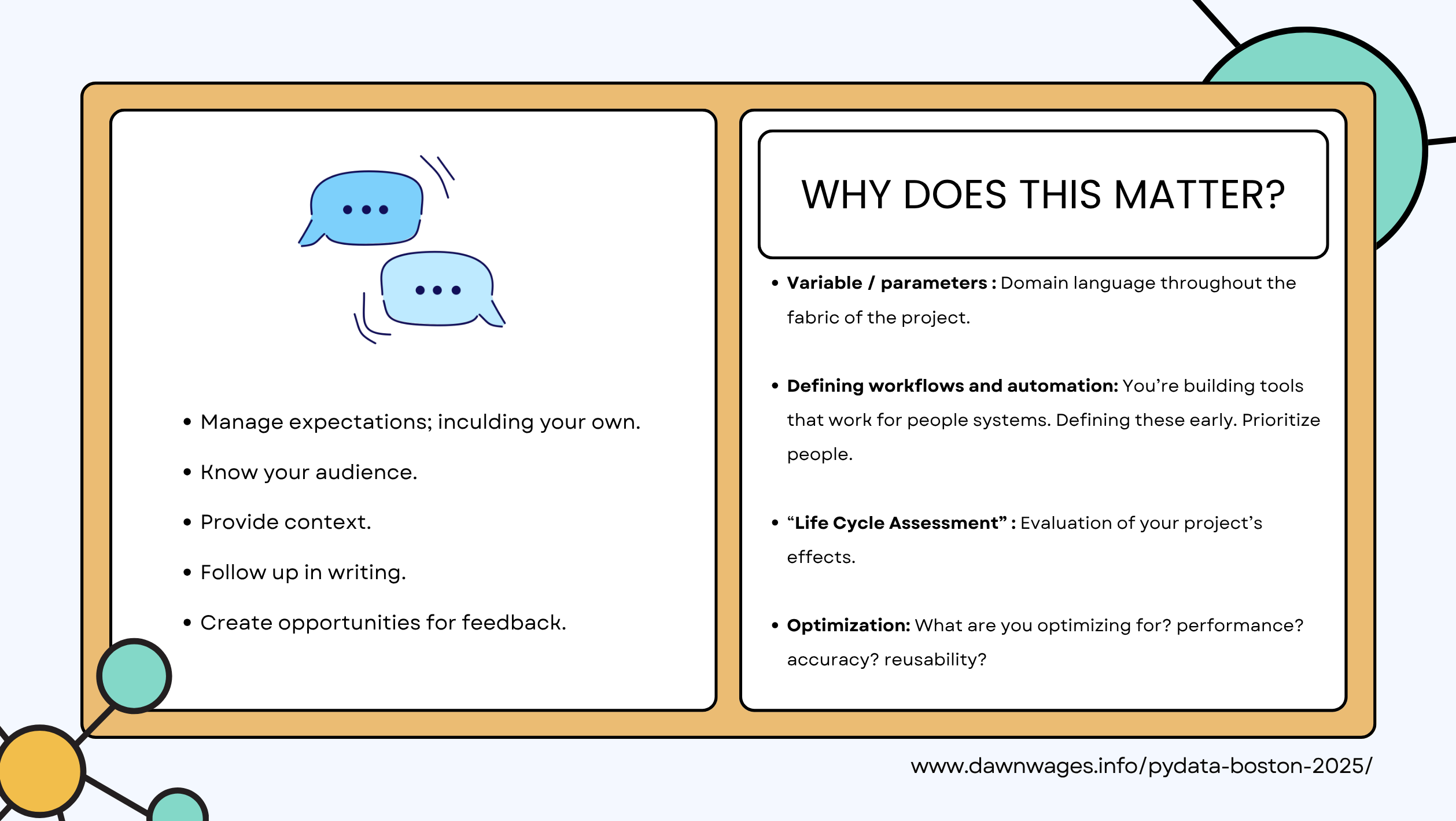
- Brainstorm before coding
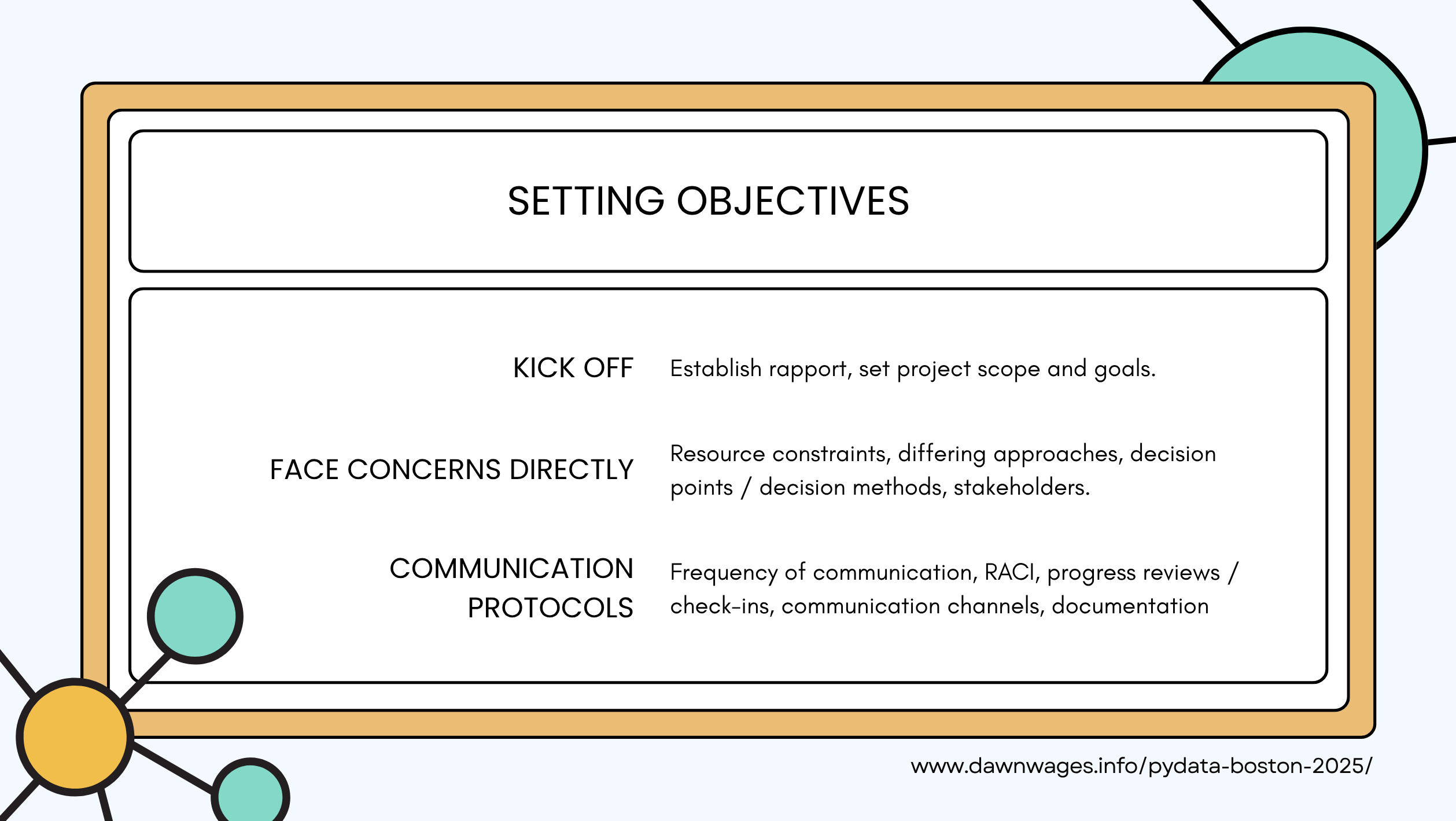
- Kickoff meeting to discuss the above with stakeholders
- Dependency matrix
- RACI is responsibility assignment matrix for cross departmental projects
- Responsible - stakeholders are involved in the planning, execution, and completion of the task.
- Acountable - stakeholders are held to be individually and ultimately responsible for the success or failure of the task
- Consulted - Consulted stakeholders are sought for their opinions on a task;
- Informed - Informed stakeholders are updated as the project progresses.
- Dependency matrix
- RACI (Responsible Acountable Consulted &Informed)
| Communication. | Creative thinking | Teamwork |
| Leadership | Delegation | Adaptability |
| Problem-solving | Emotional intelligence | Conflict Resolution |
| Networking | Time Management | Emotional Intelligence |
| Professional Writing | Critical Thinking | Digital Literacy |
| Work Ethic | Intercultural fluency | Professional attitude |
“Fail to plan = Plan to Fail” (my 5cnts)
- Speaker is Writing a domain driven design - Good luck!
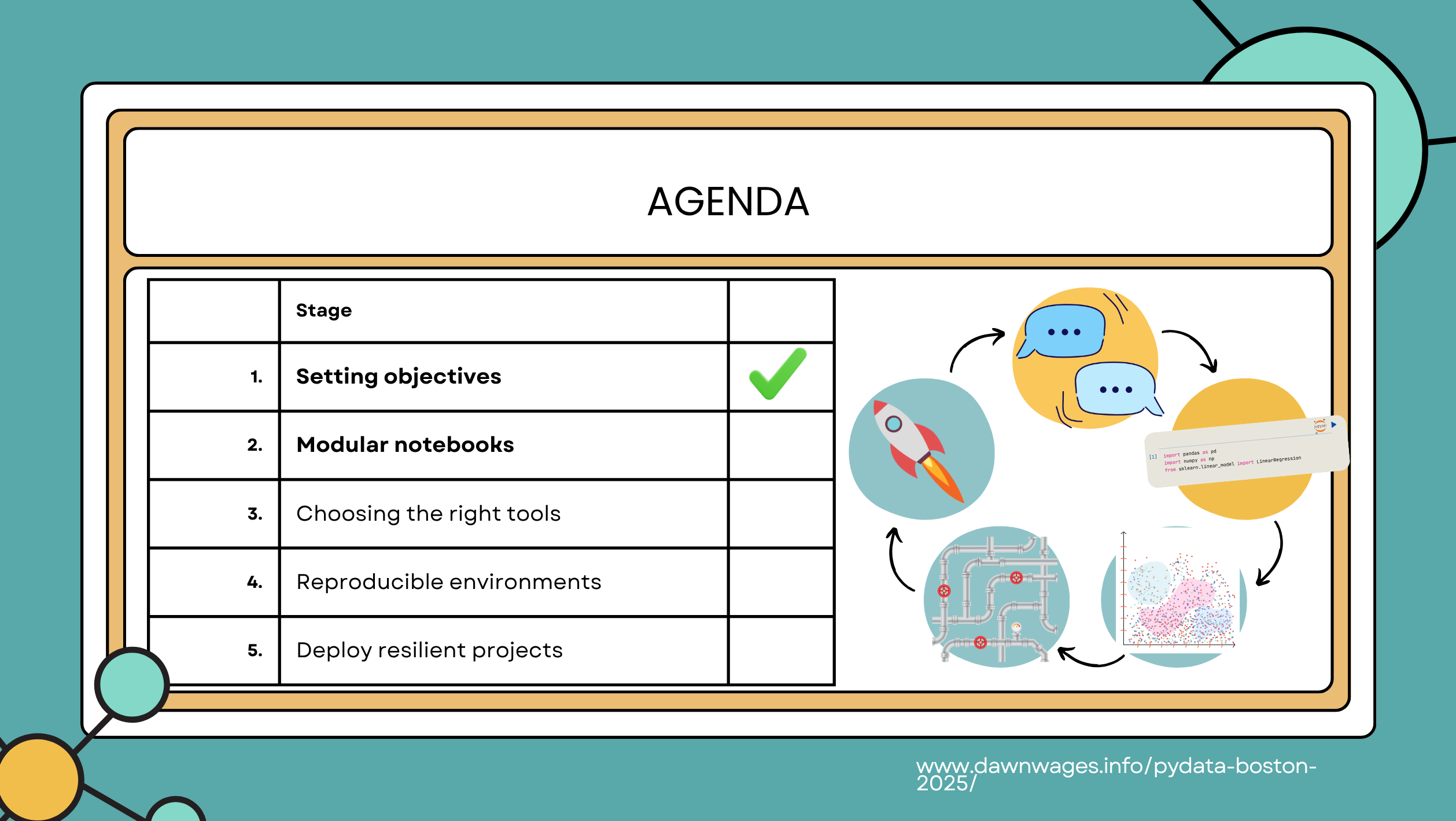
Next we cover Modular Notebook use.
- (3 mins) Exploration - starting as a single messy notebook, sample data set.
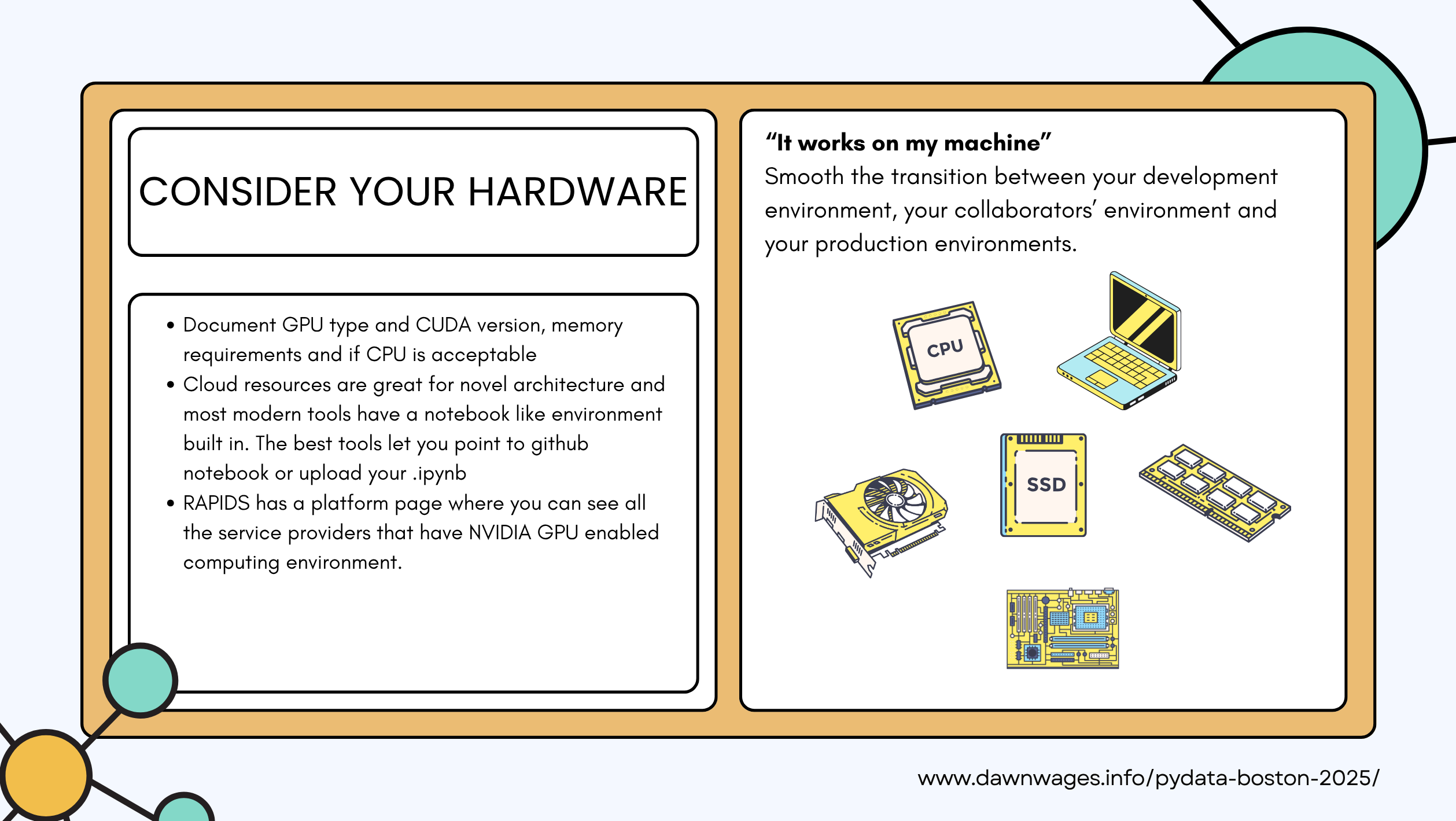
- Why RAPIDS? GPU
- Large data sets
- GPU availability - remote machine, local GPU
- Workflows that work well with GPU
- Load Data cuDF / pandas
- Quick EDA and data visualization
- Train cuML / scikit-learn model
- No-code change philosophy
- Why RAPIDS? GPU
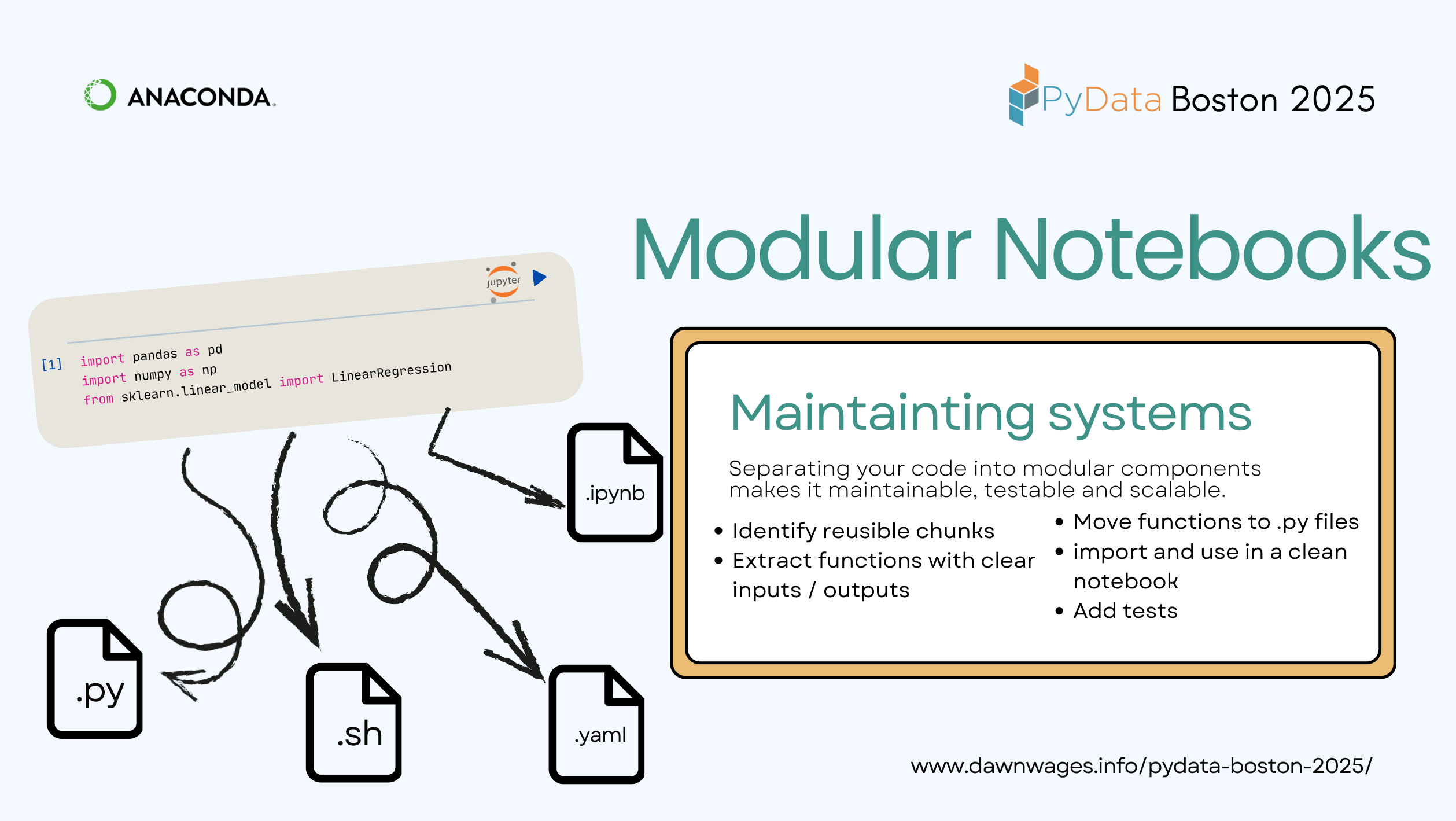
import pandas as pd
import numpy as np
from sklearn.linear_model import LinearRegression- RAPIDS is “GPU Accelerated Data Science”
- Built on top of Nvidia CUDA and Apache Arrow
- Uses familier APIs but powered by GPU libraries.
- Pandas api for CUDF
- SCIKIT-LEARN api for CUML
- Polars api for CUDF
- NetworkX api for CUGRAPH
- Vector search with CUVS
- Zero Code Changes (i.e. just change your imports) to get and 5x to 500x speedups.
- FOSS repo
- Install guide
- Getting Started Guide
import cudf
import cupy as cp
import dask_cudf
import pandas as pd
from cuml.model_selection import train_test_split
from cuml.datasets.classification import make_classification
from cuml.datasets import make_blobs
from cuml.ensemble import RandomForestClassifier
from cuml.cluster.dbscan import DBSCAN
from cuml.manifold.umap import UMAP
from cuml.metrics import accuracy_score
from cuml.metrics import trustworthiness
from cuml.metrics.cluster import adjusted_rand_score
from cuml.datasets import make_regression
from cuml.linear_model import LinearRegression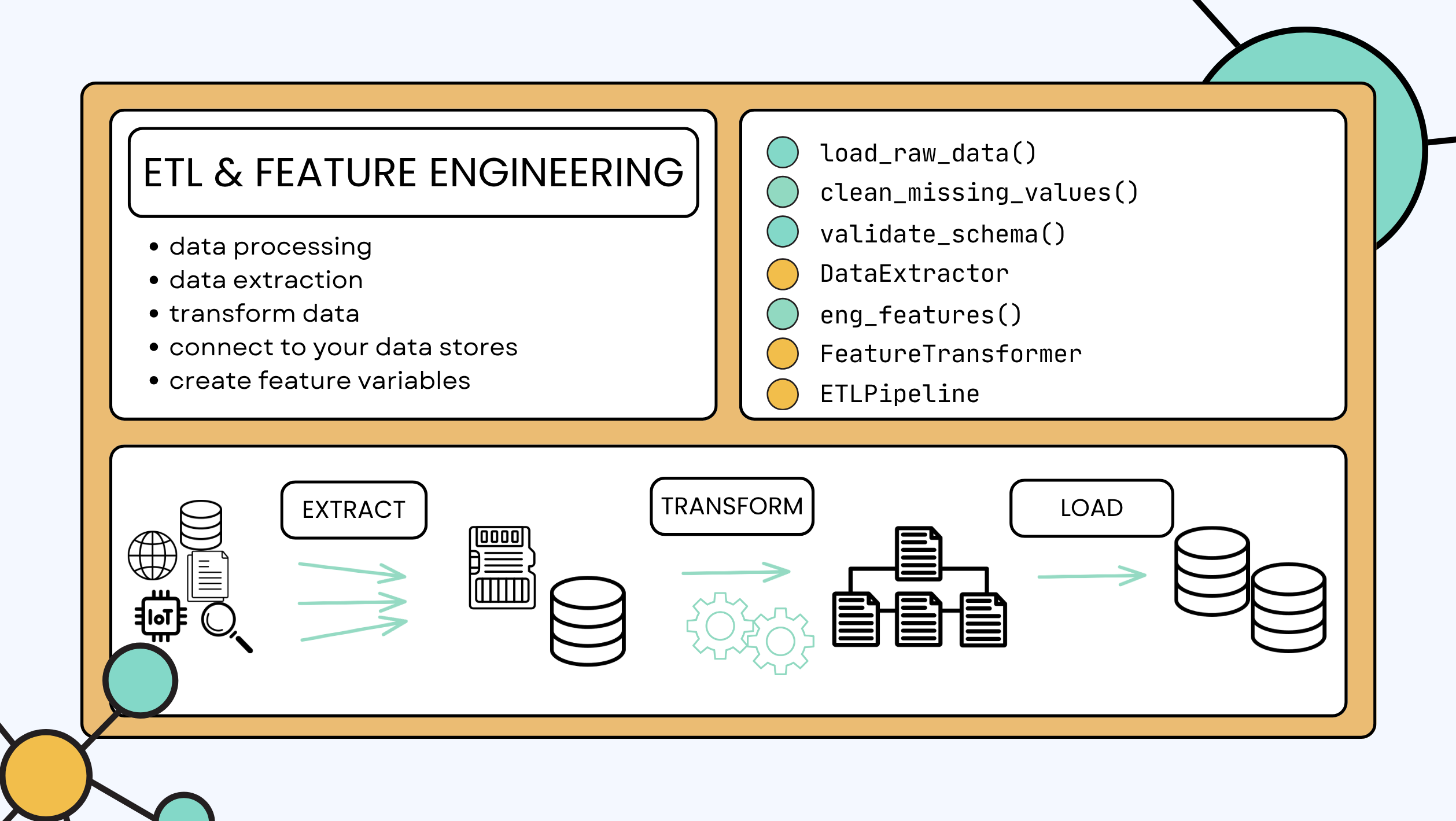
- ML require Exctact Transform Load
- Takes raw data into the data store
- Feature Engineering
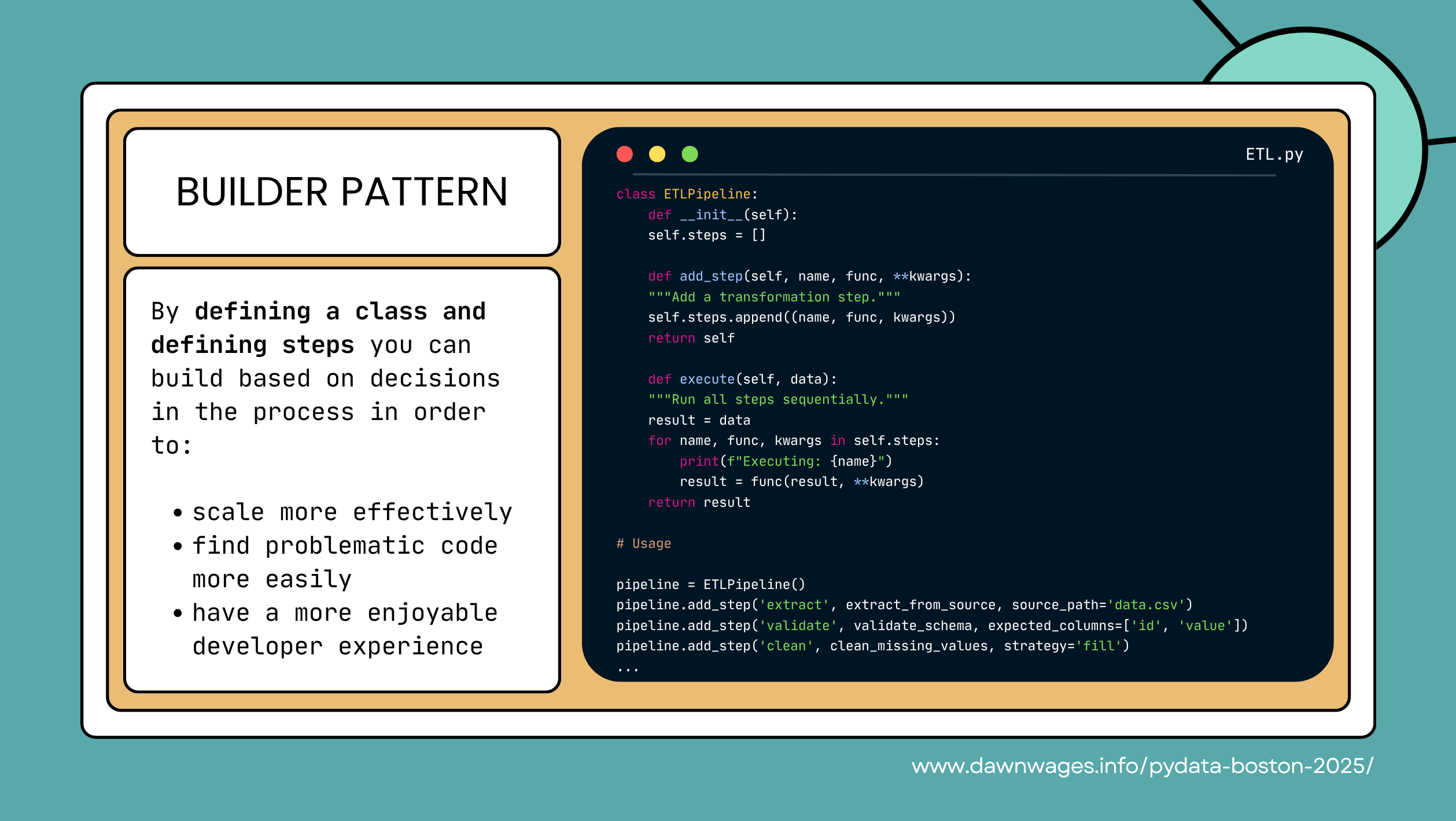
- I like this slide and I like the builder pattern.
- It shows how to break down a complex process into manageable steps.
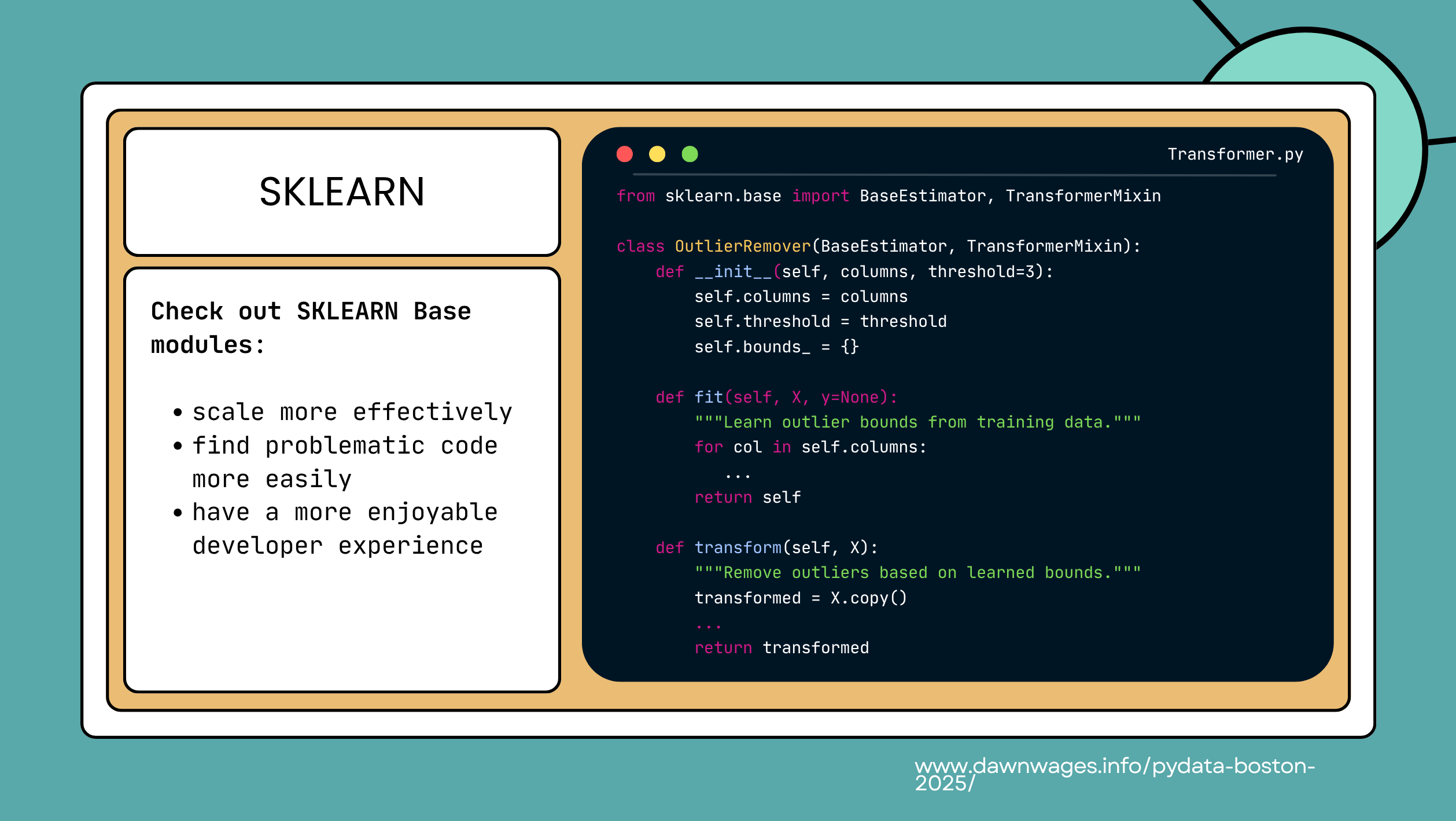
- Sklearn Base modules
- scale more effectively 🙏
- find problematic code more easily 🤬😵💫🤦♂️
- have a more enjoyable developer experience 🤕
- 😟😞😫 work with apocrypha bugs🤒 that don’t get fixed and learn about them from the gravepine or the hardway
- 😒😏🤨 read about undocumented parameters and algs by a bibtex reference name instead of a citation!
- 🧗🧱🧊 import tons of external libs for algs that haven’t made the cut!
- We can use sklearn pipelines to chain together multiple steps in a machine learning workflow.
- This makes it easy to reuse and modify our code.
- c.f. the ML bibles by Aurélien Géron (Géron 2019) or (Géron 2025)
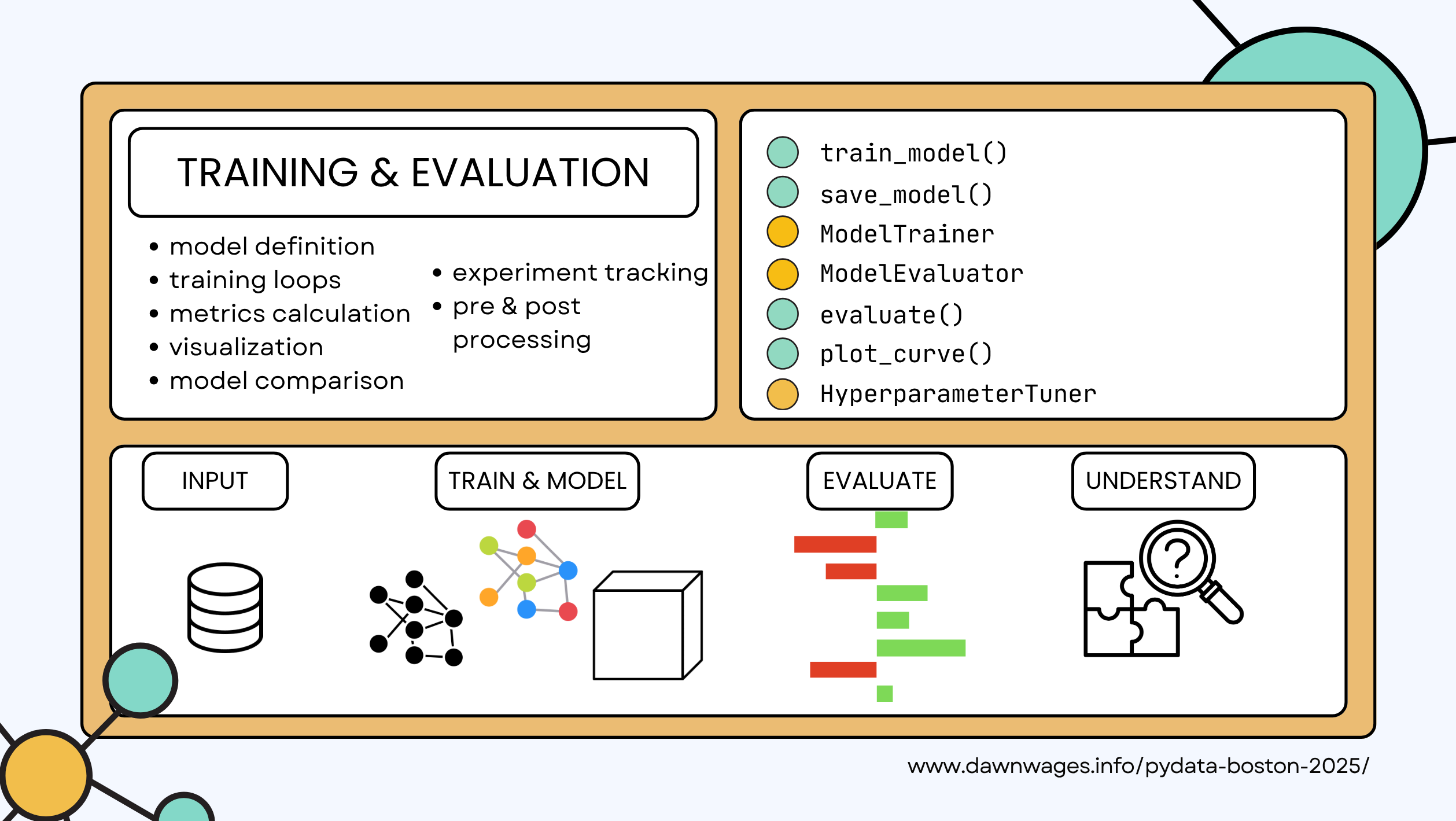
- api
- Methods:
train_model()save_model()evaluate()plot_curve()
- Objects:
ModelTrainerclassModelEvaluatorclassHyperparameterTunerclass
- Methods:
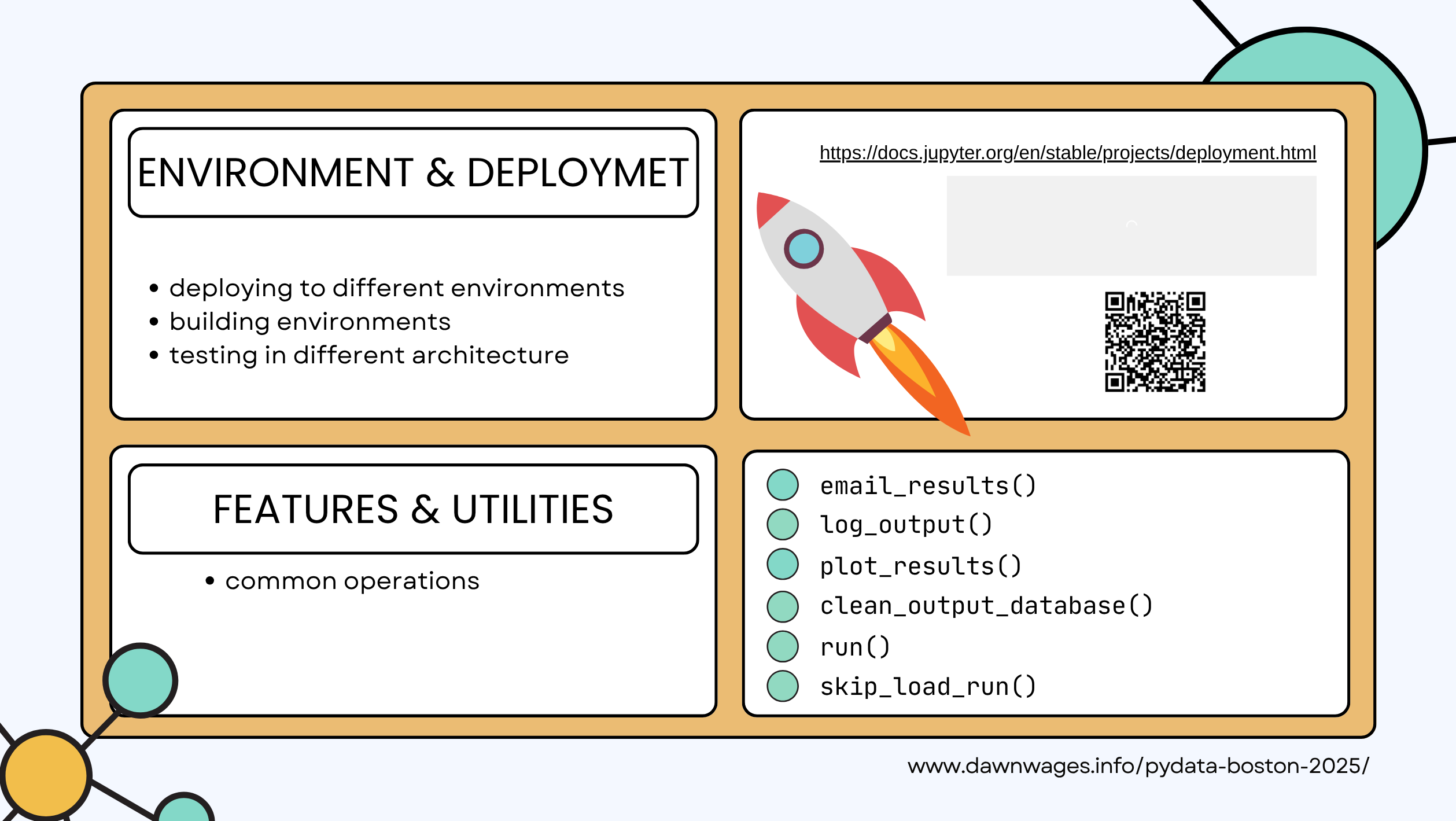
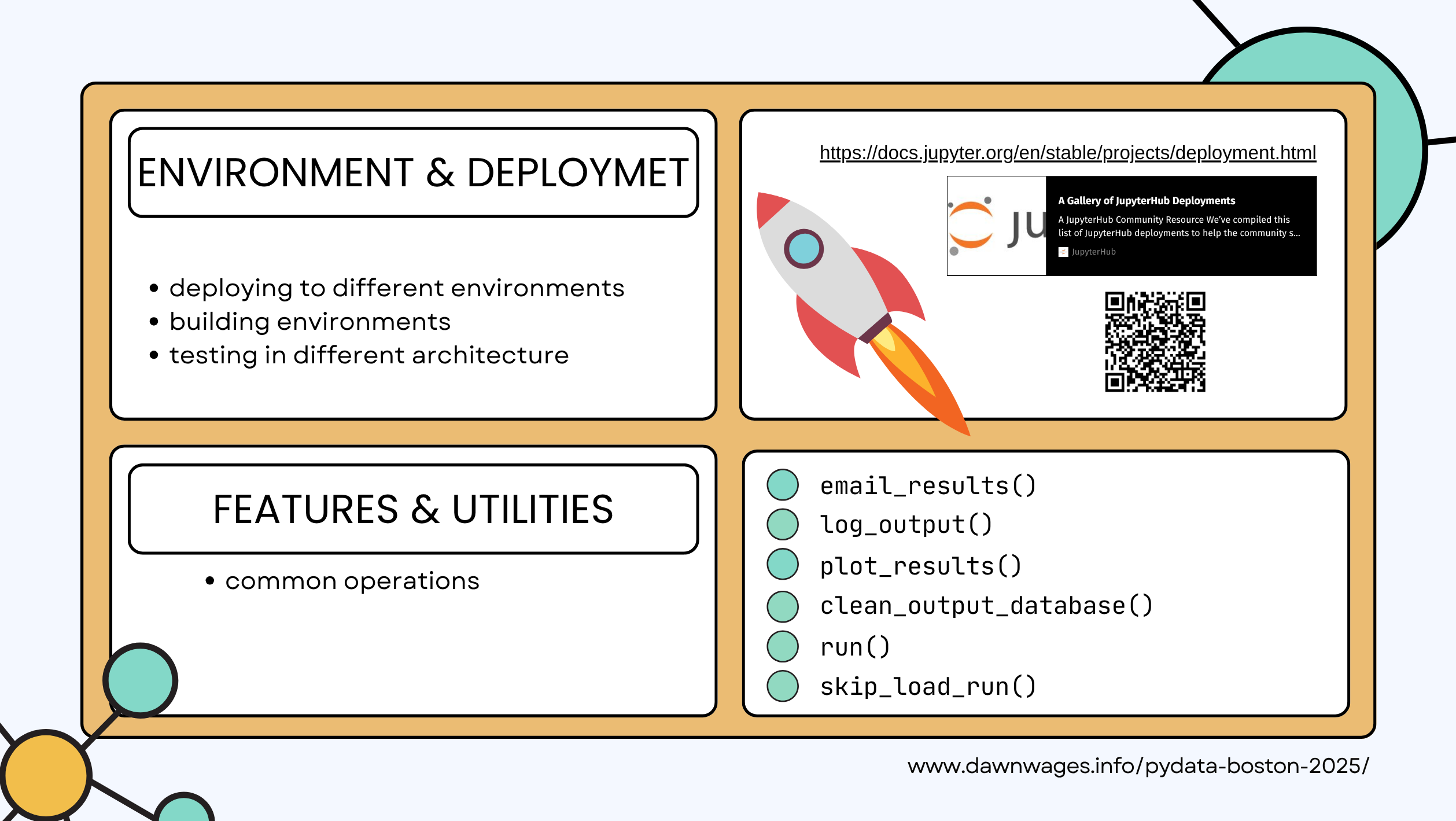
- snowflake ❄️
- aws sagemaker
- azure
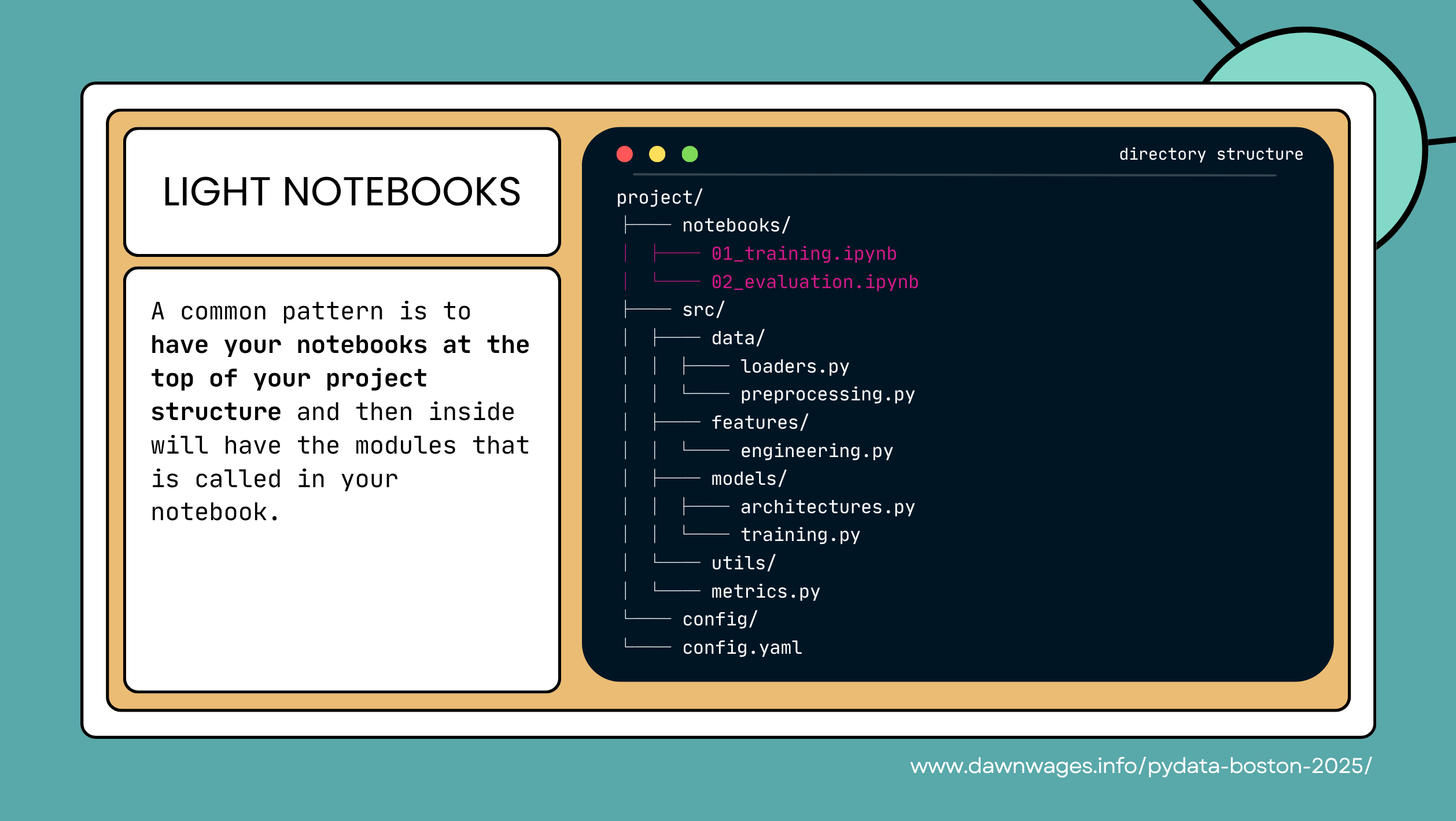
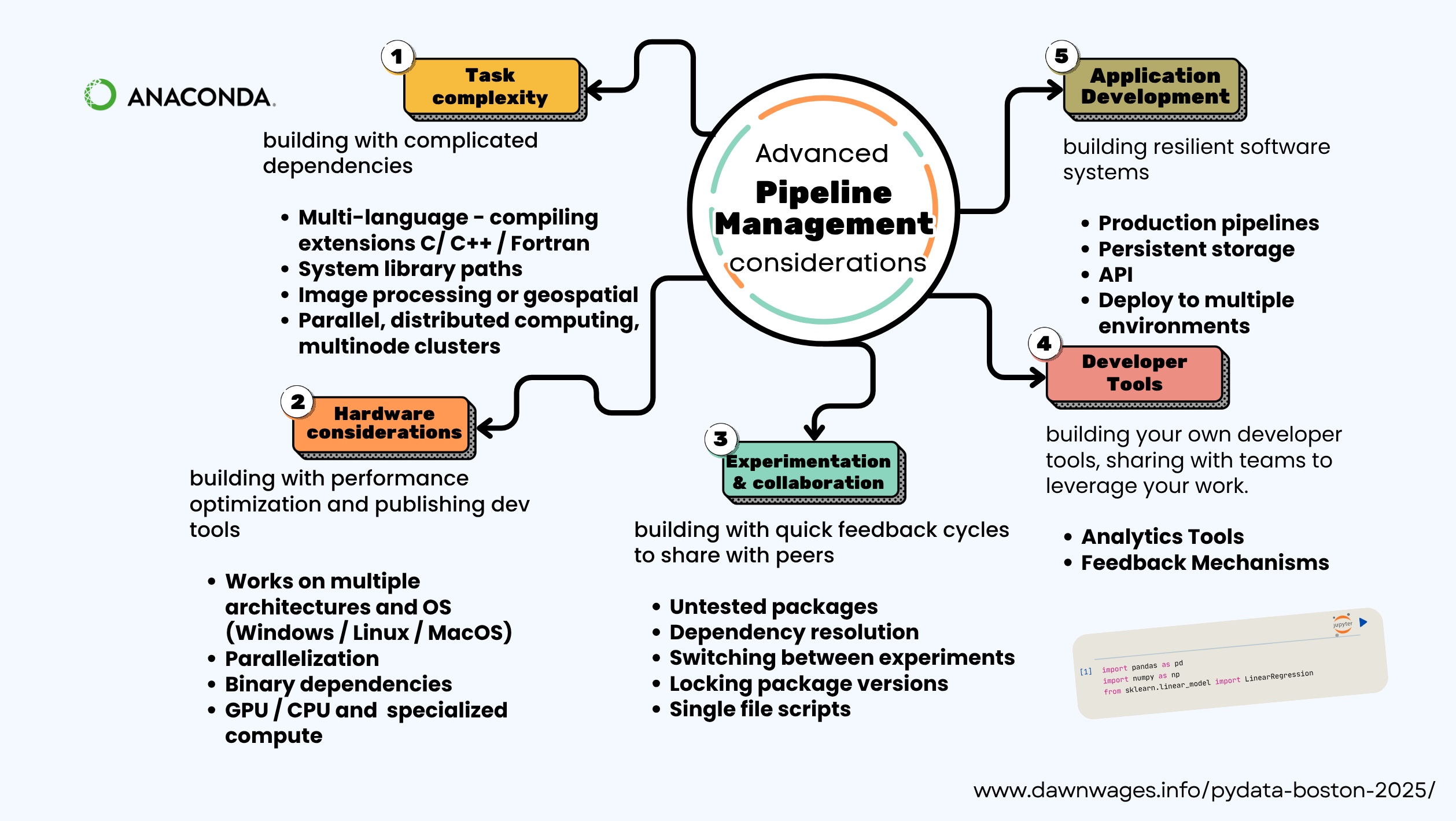
- moving from the spagetti code to light notebook with a more sophisticated project structre:
- notebook for
- ETL + feature engineering
- train
- validate
- migrate reusable code to .py scripts or modules.
- app or config
- yaml file (for what and how to access it?)
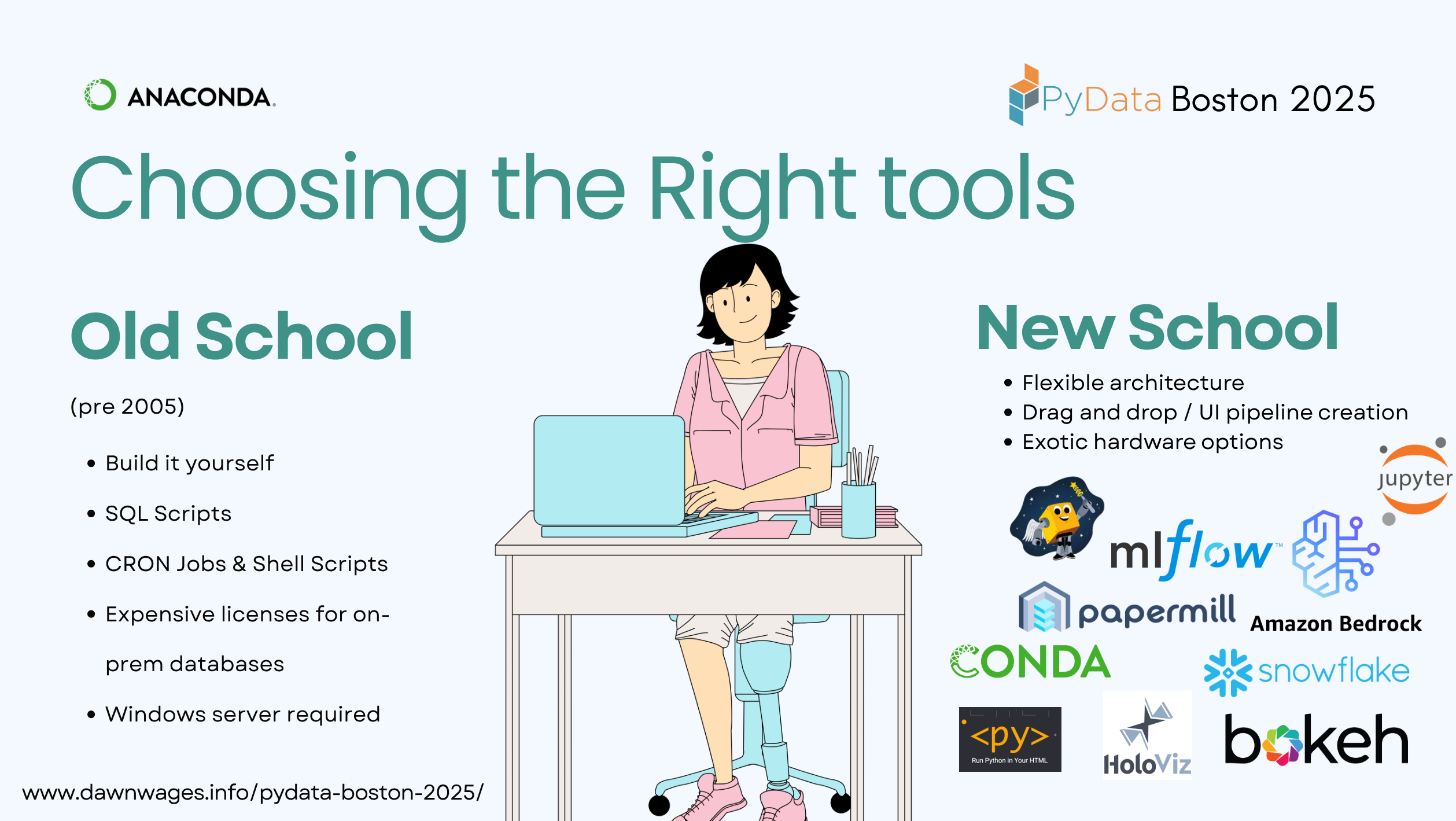
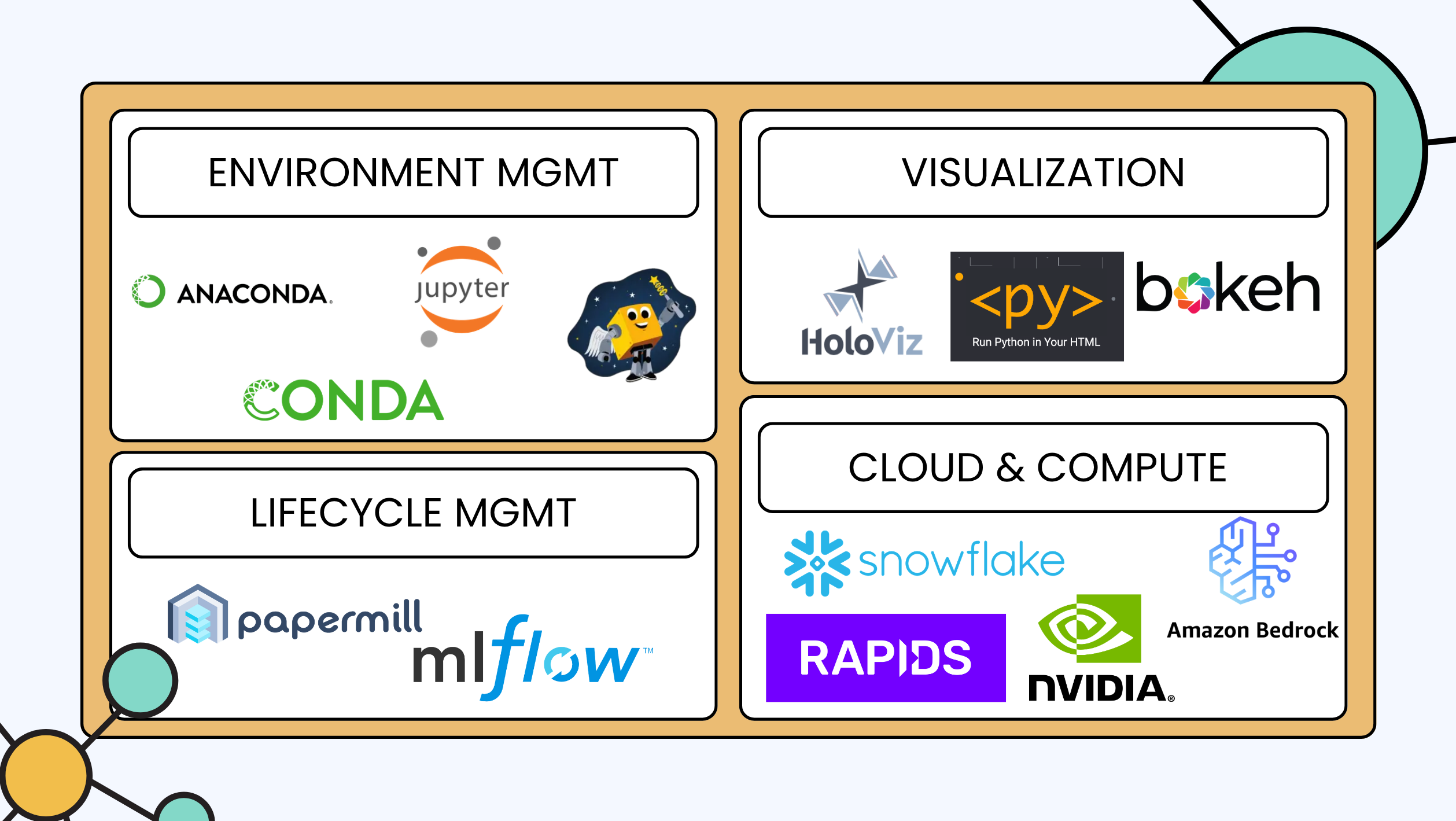
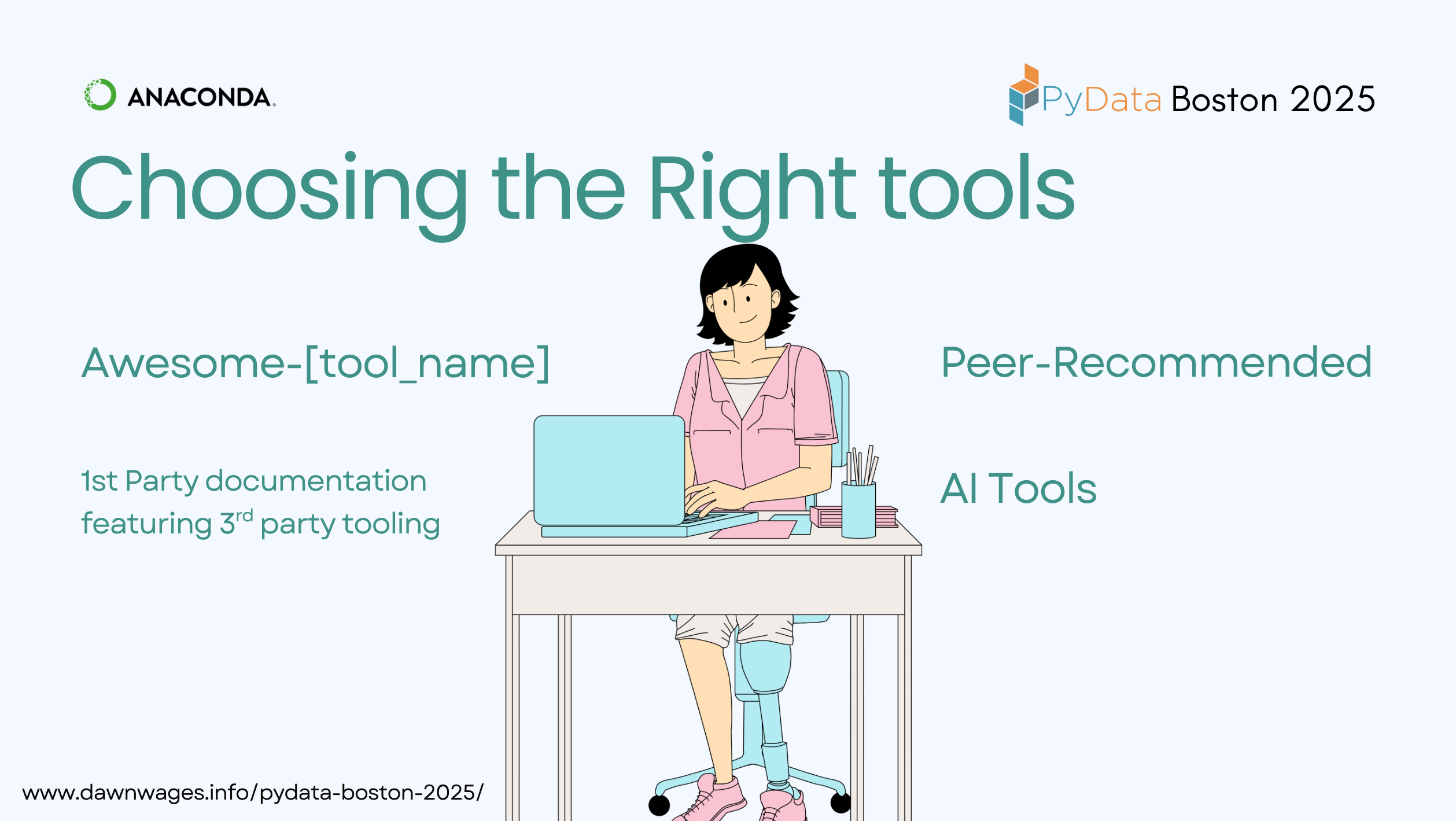
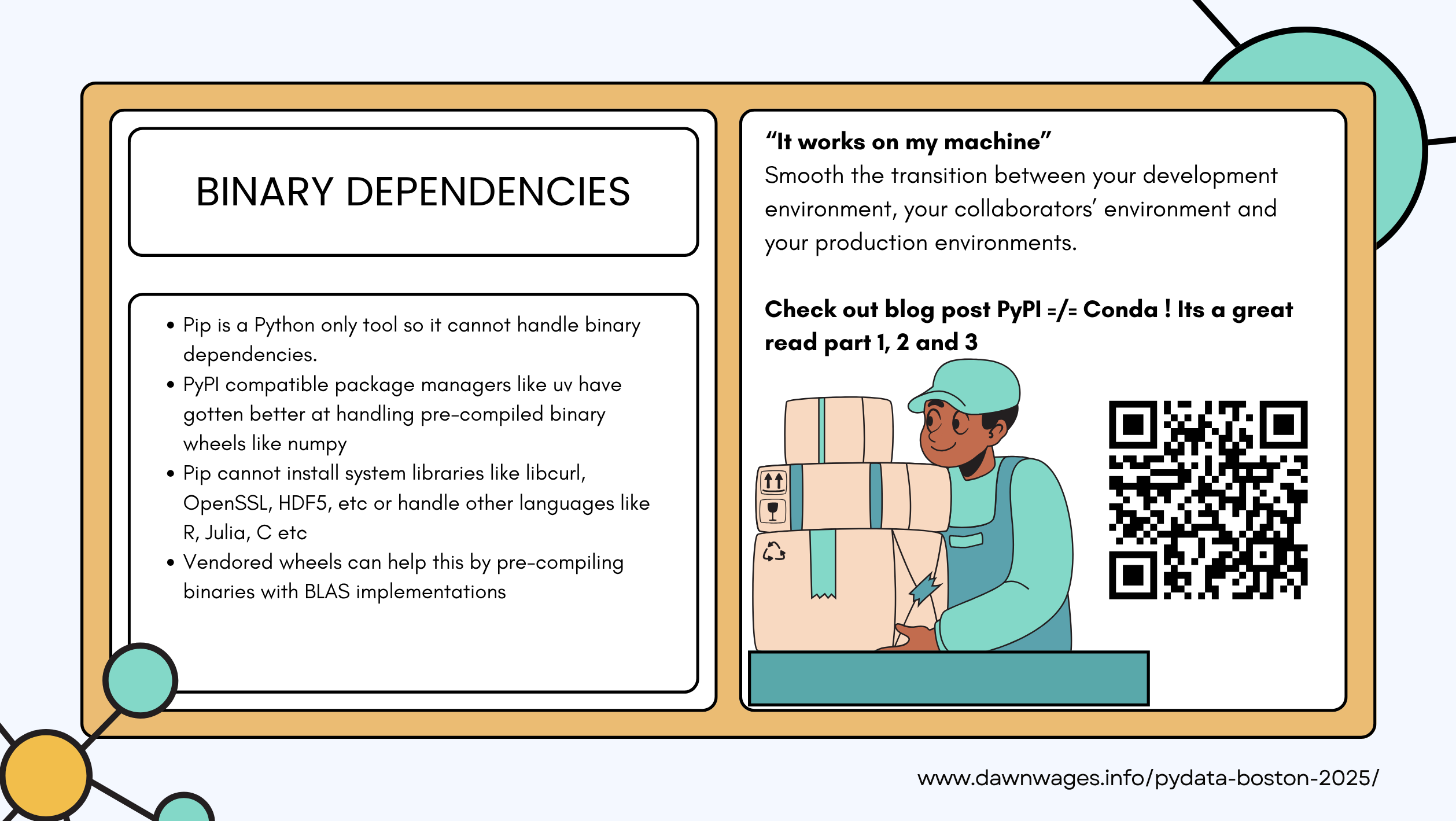
- Env managemnt
- conda
- anaconda
- pixi
- jupyter - “how do I explore data interactively”
- Lifecycle managent
- mlflow - “how do I track my experiment” or
- weight and biases
- papermill - “how do I automate my Notebook”
- Viz
- holoviz
- bokeh
<py>pyscript (runs in the browser)
- Cloud & Compute
- amazon bedrock (hyperscaler)
- snowflake ❄️ “how do I store & query my big data?”
- Rapids “how do I make ML go brrr… with a GPU”
 |
Pixi is a fast, modern, and reproducible package management tool for developers of all backgrounds. |
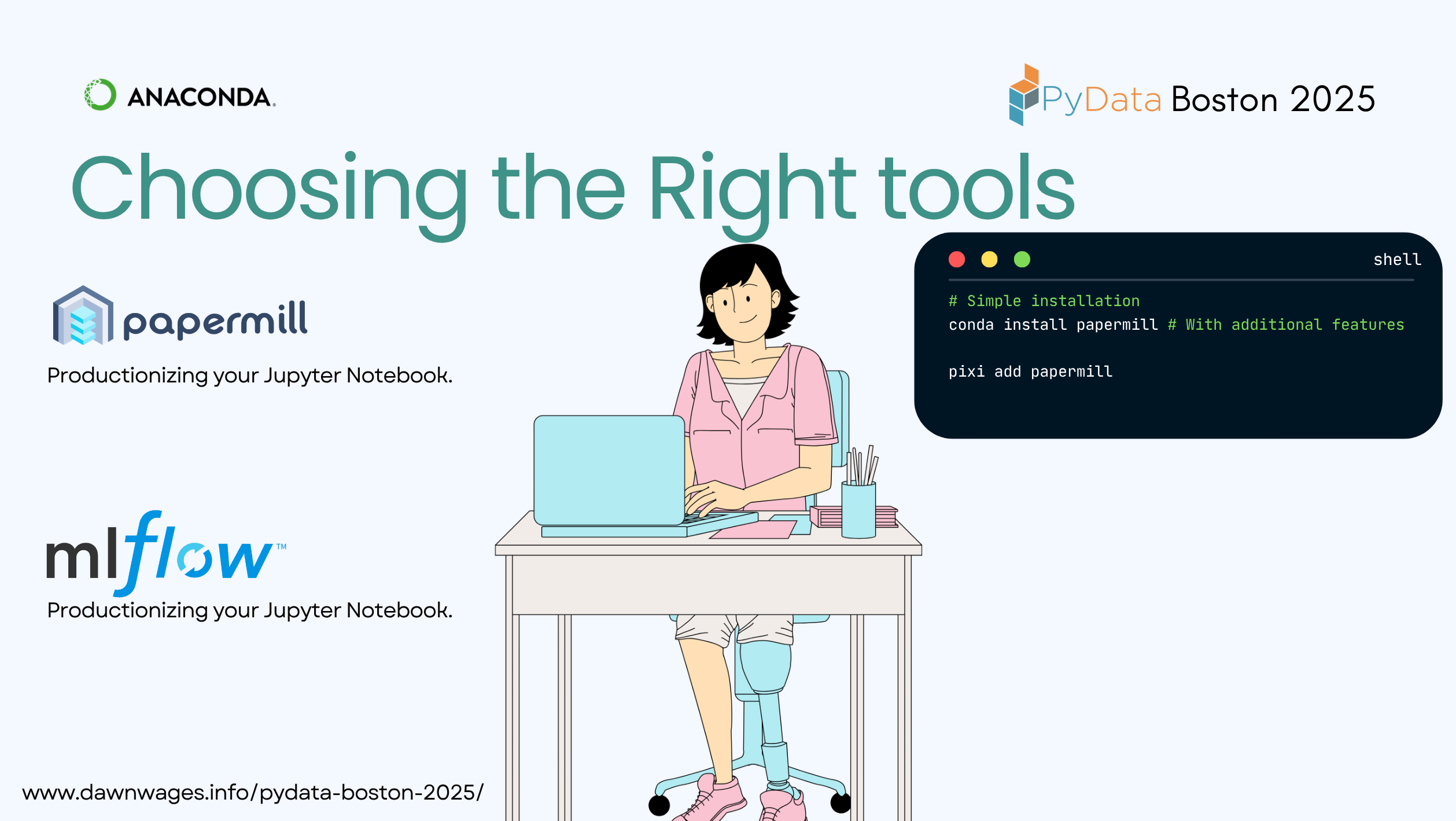
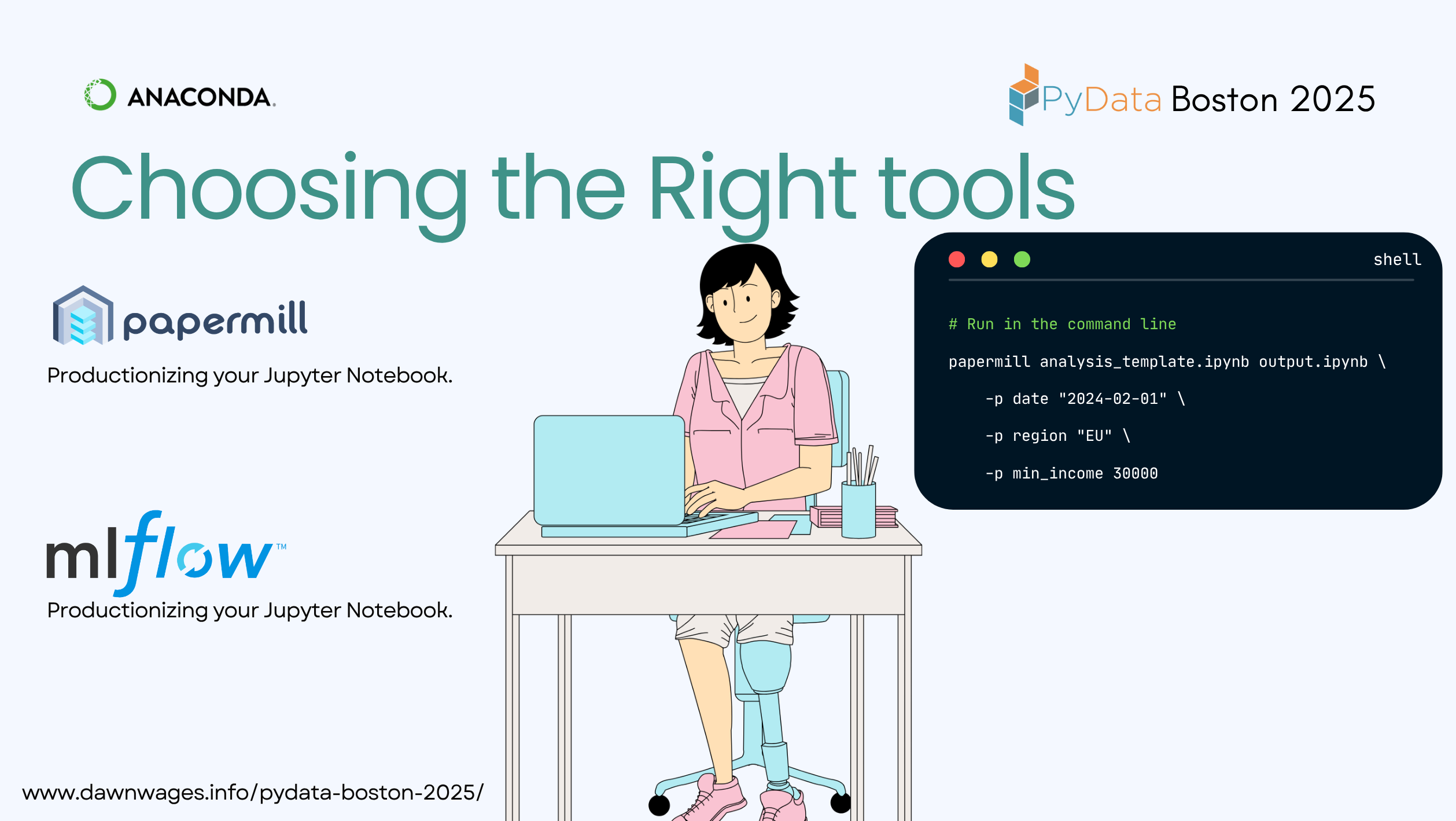
pip install papermillparametrise your notebook
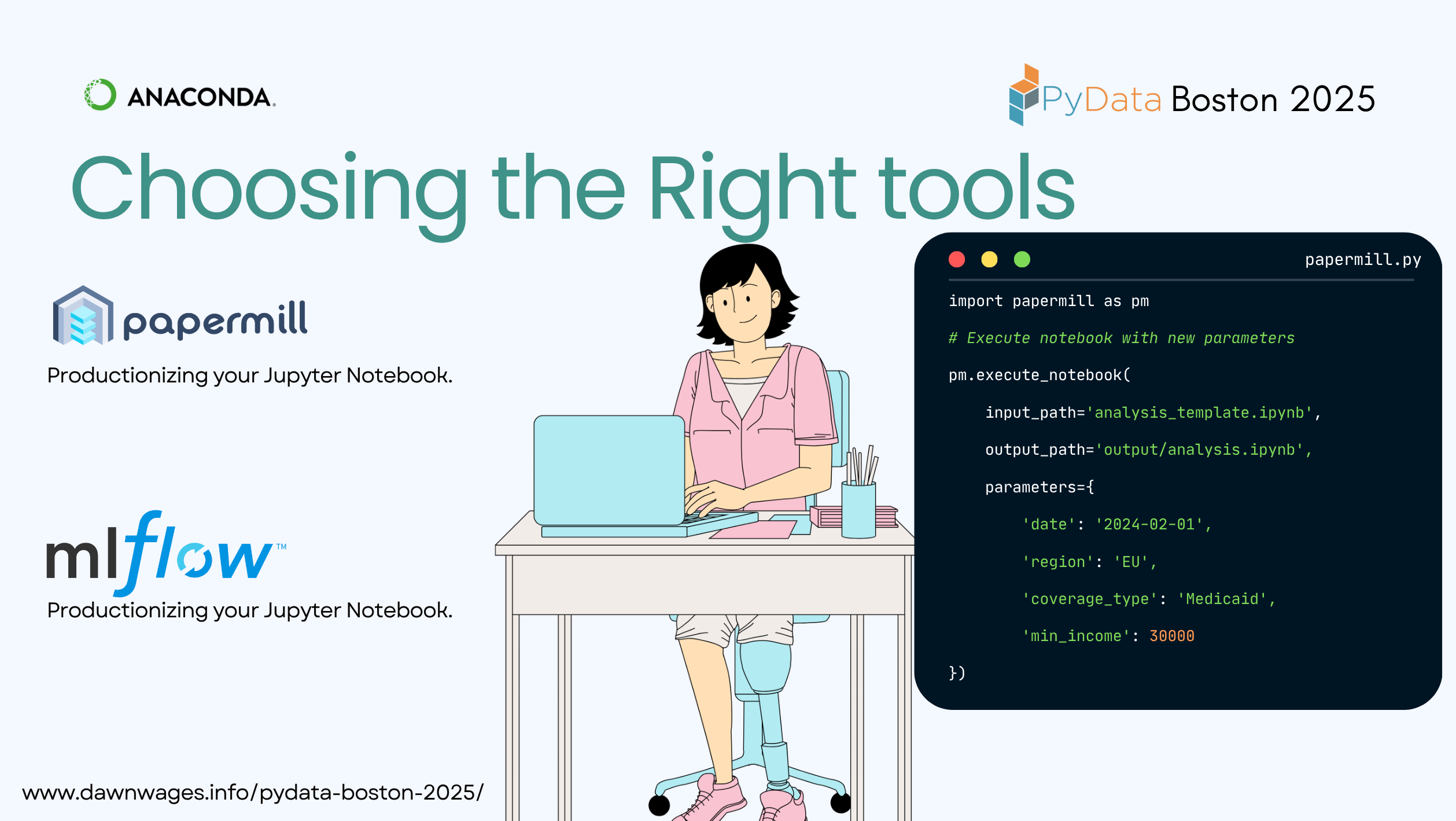
import papermill as pm

pm.execute_notebook(
   'path/to/input.ipynb',
   'path/to/output.ipynb',
   parameters = dict(alpha=0.6, ratio=0.1)
)
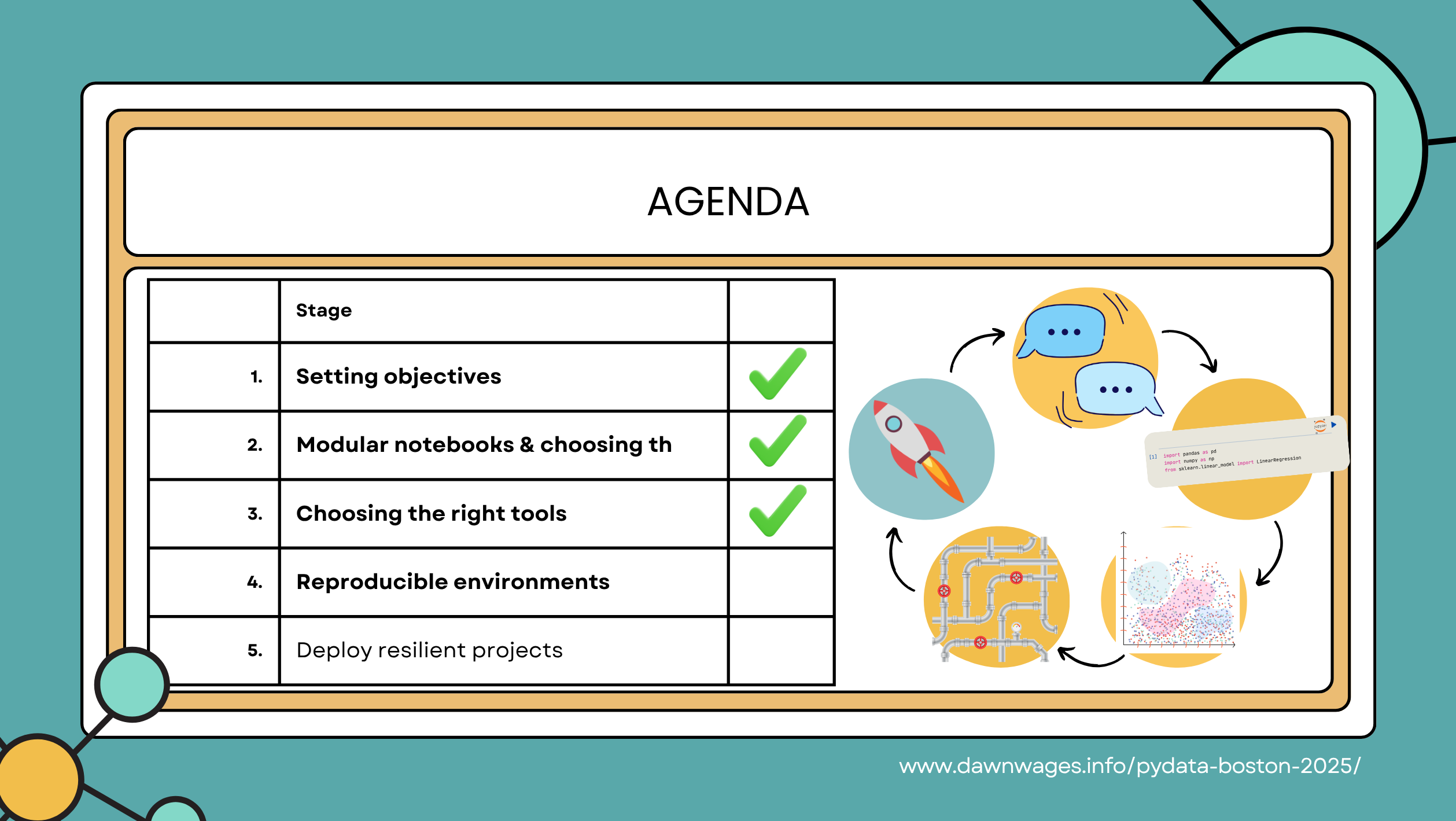
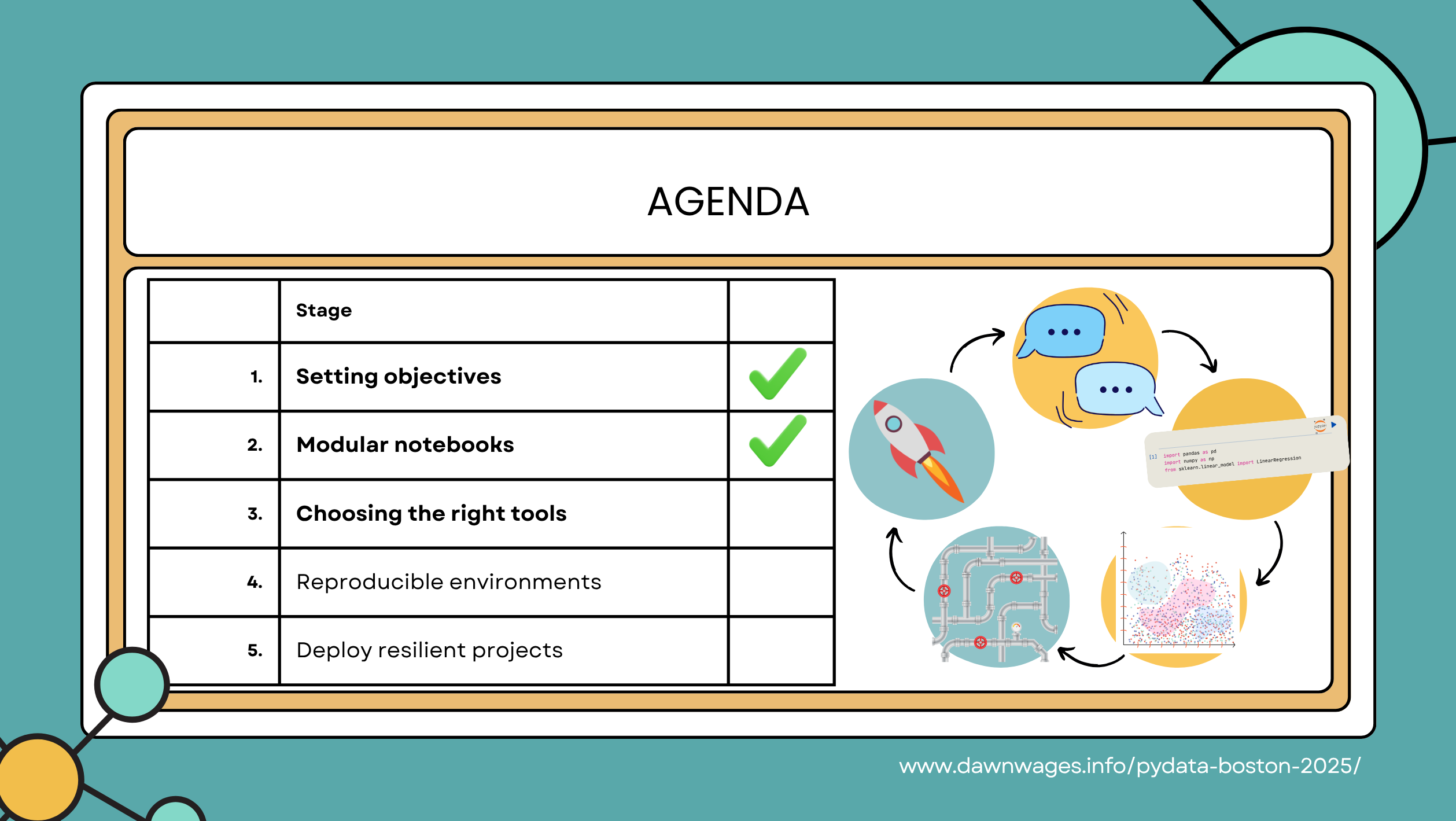
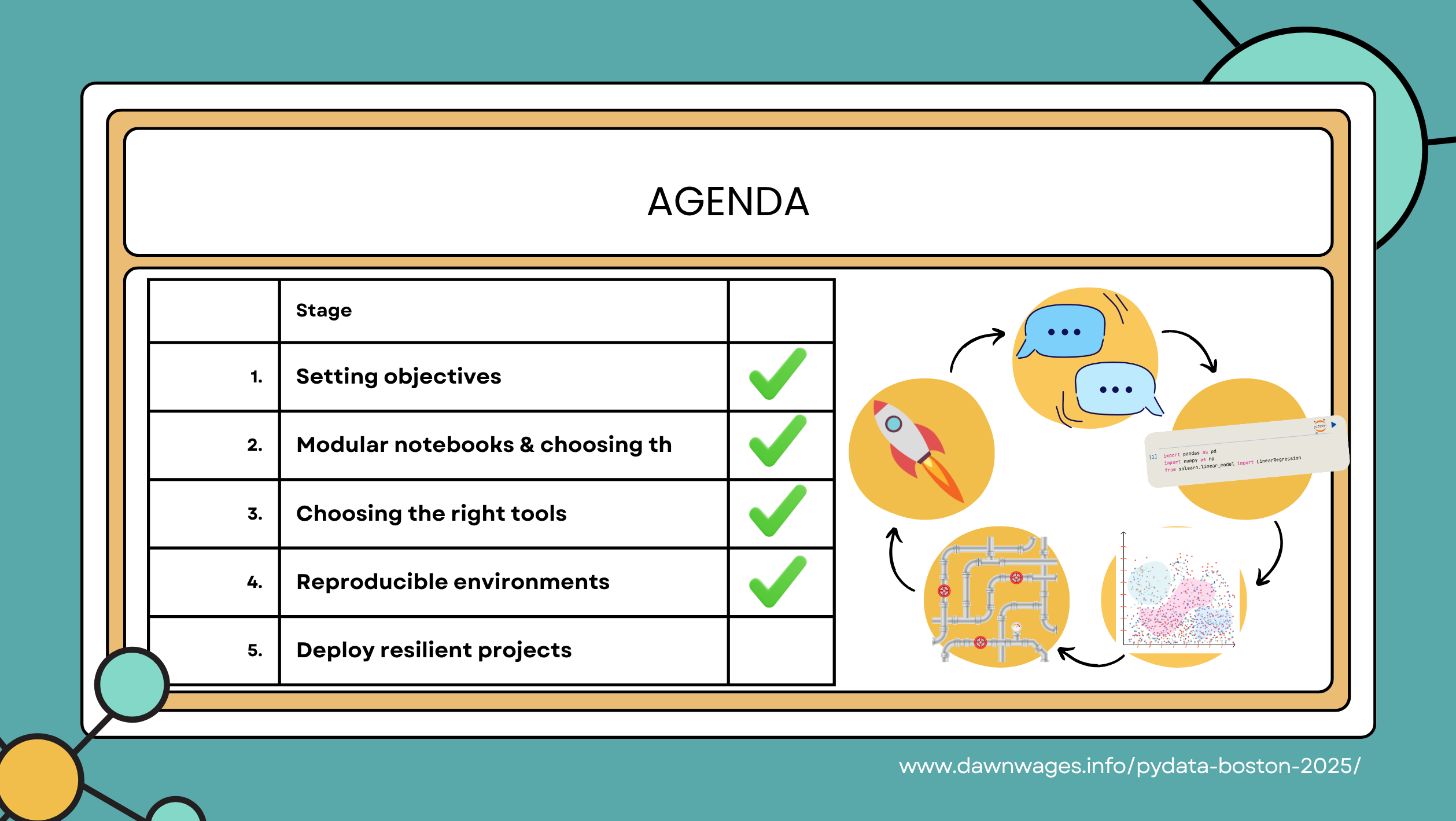
- (7 mins) Make it repeatable - Start with simple tried and true tools, explore where tools like Papermill help with flexibility and reproducibility
- common pain points: operating cadence, specialized scenarios, manual execution is error prone
- shell scripts versus papermill
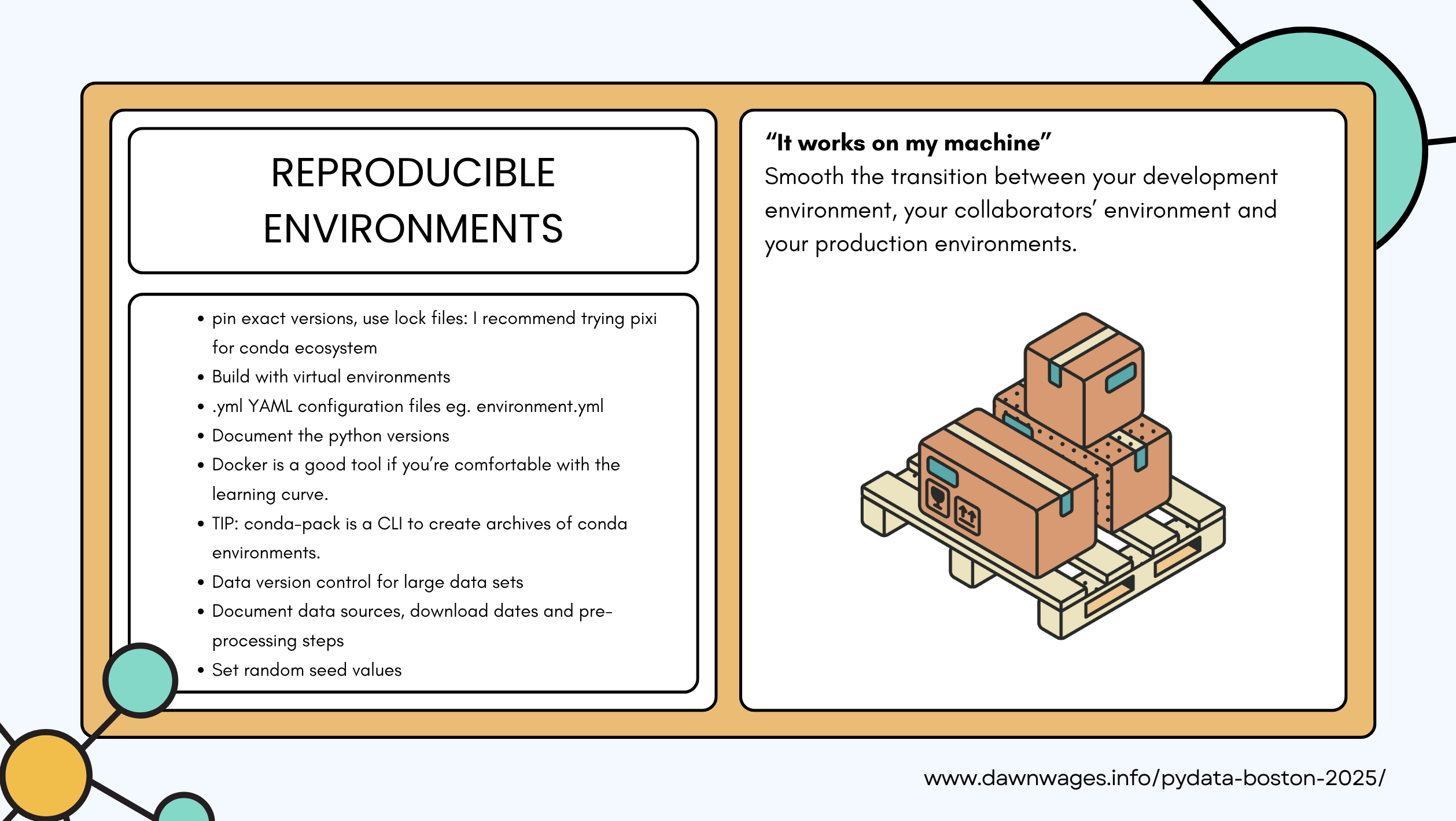
- reproducible environments
- generate HTML reports
- pass through parameters in your notebook
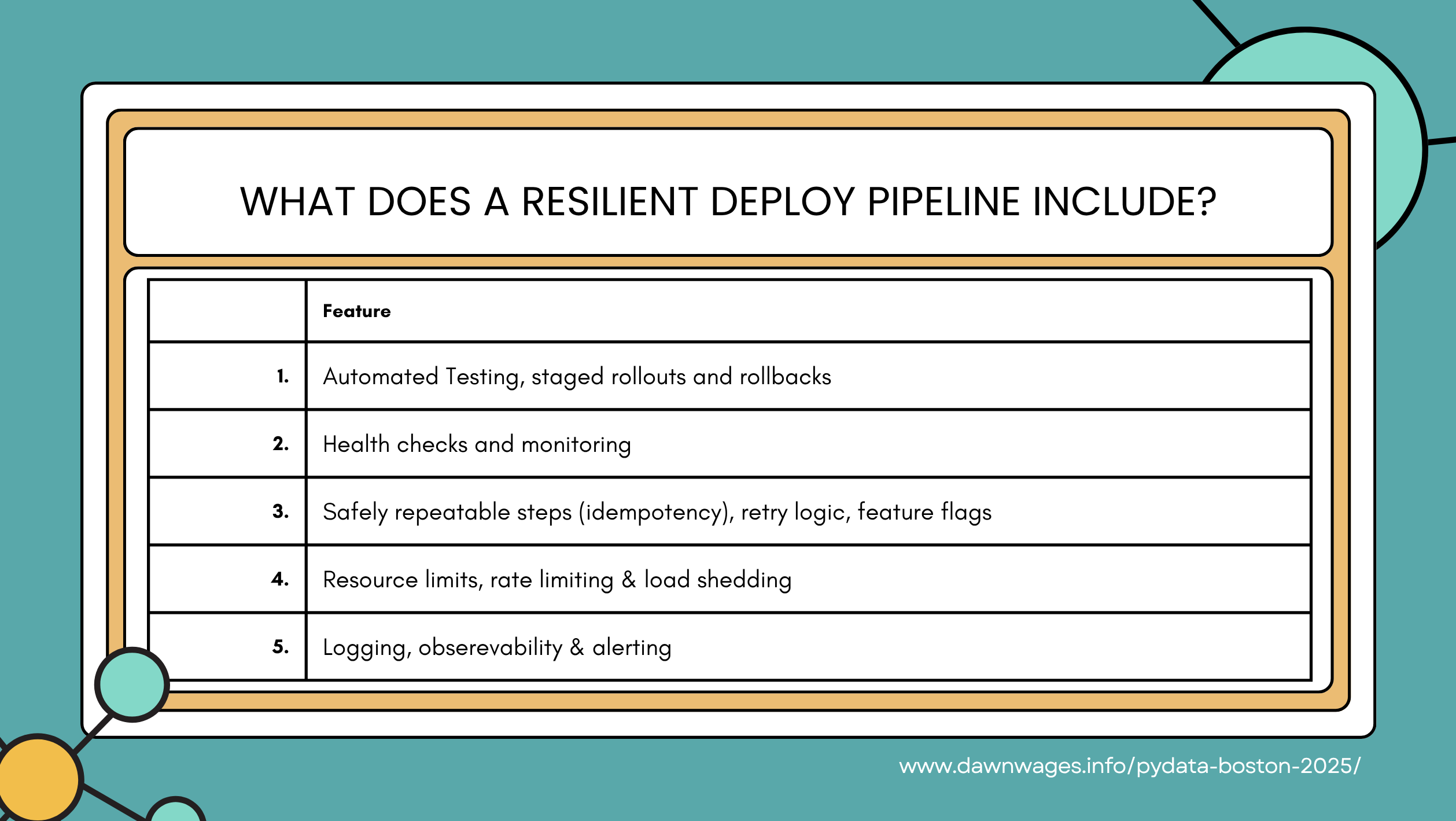
- (8 mins) Make it reliable - Modular code & testing
- common pain points: data schema changes, debugging issues, testing & modularity
- nbconvert + Python: turn your notebook into a script
- turn a function into a module
- dashboard with HoloViz / Panel, discuss choosing tools like Voila and PyScript
- (5 mins) Snowflake integration
- common pain points: data volume, coordinate with other data systems, audits
- picking the right tools: cost complexity tradeoff
- RAPIDS preprocessing to Snowflake storage
- self-service access for stakeholders
- (3 mins) Conclusion
- Start simple
- Add complexity when you feel specific pain
Further Reading
Speaker Recommends:
- Design data-intensive applications by Martin Kleppmann
- Softeware architecture design patterns in Python by Parth Detroja, Neel Mehta, Aditya Agashe
- Data engineering with Python by Paul Crickard
My Reflection
The speaker rubbed me the wrong way at first, however I soon realized that she was just stretching herself beyond her comfort zone and not only had a beautiful slide deck but also many valuable insights and tools to share.
- Main takeaways:
1 it has many great tools!
2 or don’t Matt Harrison shows us how to chain ETL code like a pro!
Citation
@online{bochman2025,
  author = {Bochman, Oren},
  title = {The {Lifecycle} of a {Jupyter} {Environment} - {From}
    {Exploration} to {Production-Grade} {Pipelines}},
  date = {2025-12-09},
  url = {https://orenbochman.github.io/posts/2025/2025-12-09-pydata-jupyter-environment-lifecycle/},
  langid = {en}
}